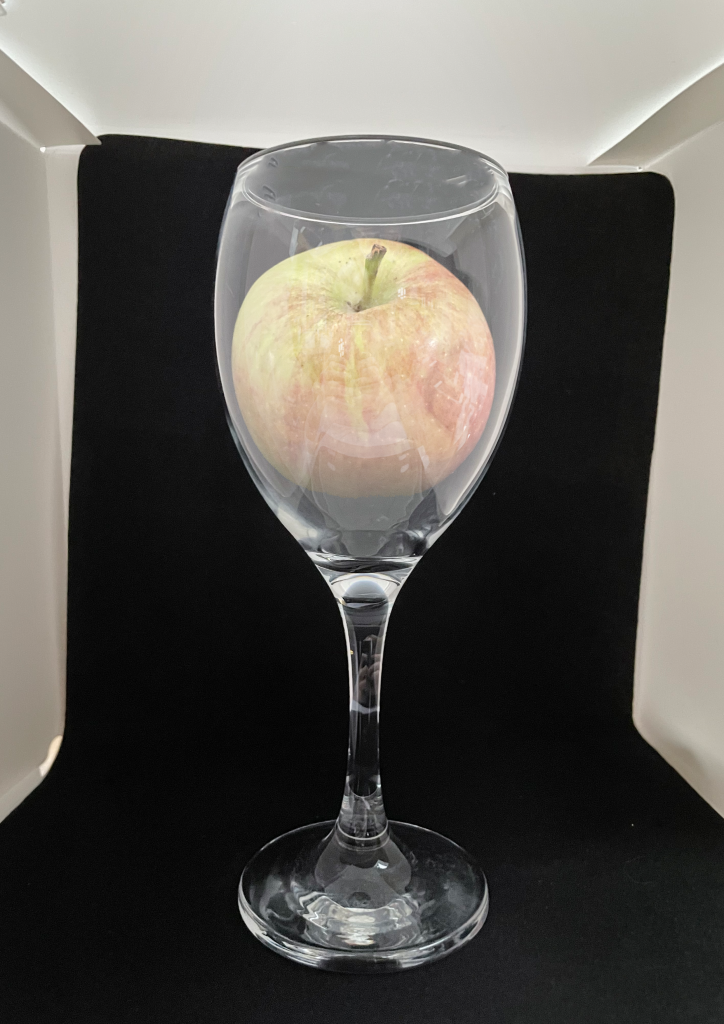
I was given the task of creating a simple conceptual design piece by combining a wine glass and an apple into one using photography and my chosen editing software. To do this, I photographed my apple and my wine glass separately, using a dark background to make the items easier to edit.
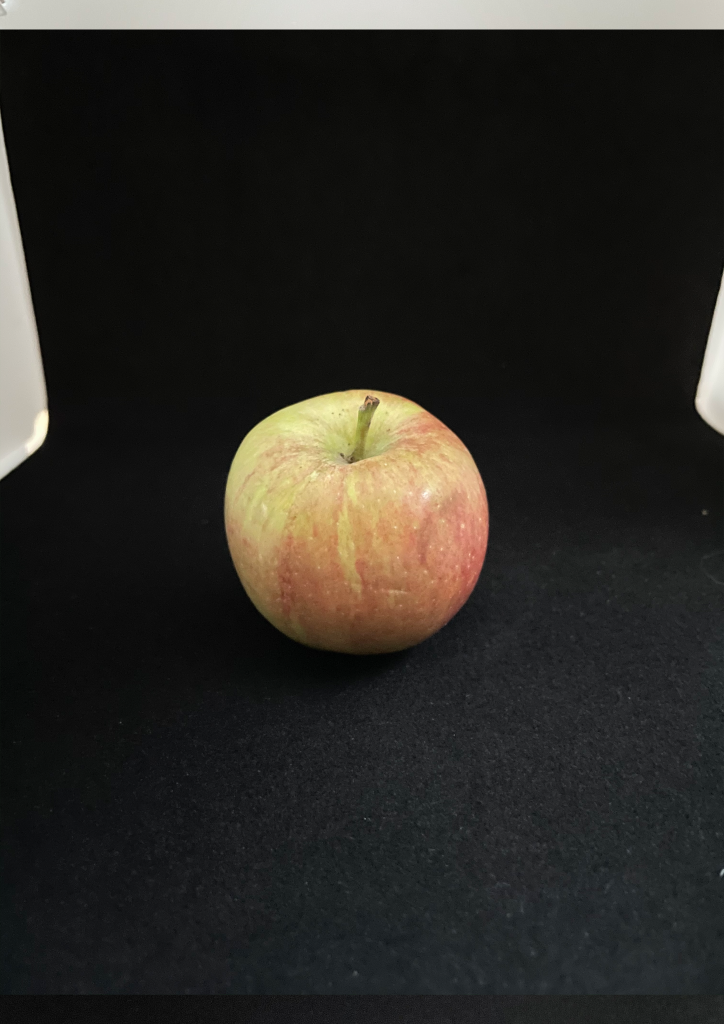
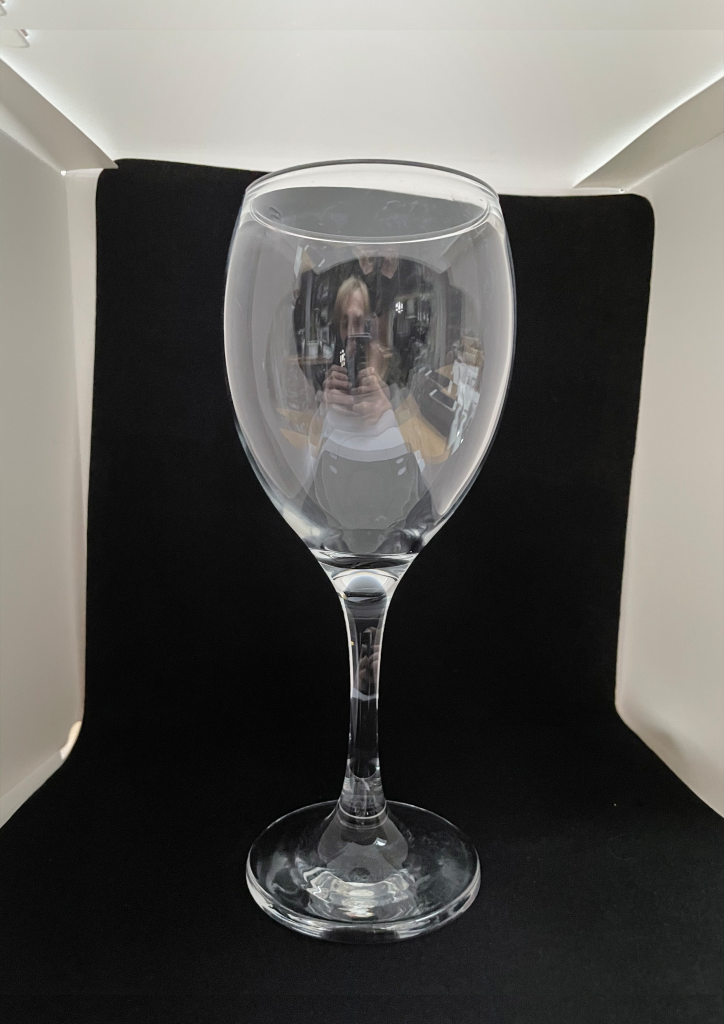
I then took these images into Photoshop and started to combine them. My first step was erasing the background from the apple which I used the magic wand tool and the lasso tool to eliminate any speckles and extra pieces that were left behind. The next step was to add the apple over the glass where I wanted it to be and while on the apple layer, use the magic wand tool on the background. I would then need to invert my selection so its just the apple selected, and swap to the glass layer and duplicate layer. By doing this, it cuts out a selection of the glass which is exactly the same size as the apple. This cut out piece is then layer on top of the apple to then apply a layer style.
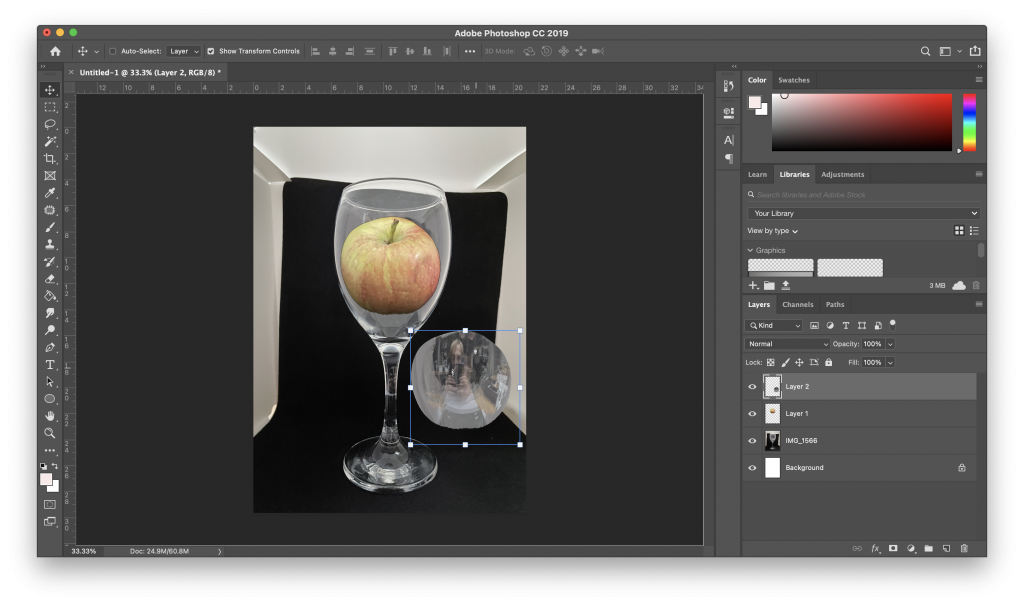
I then choose the layer style, ‘Screen’ which changes the section of glass to be more opaque and add a reflection over the apple. This also dulls down the colour of the apple to give the impression that it is actually inside the glass.
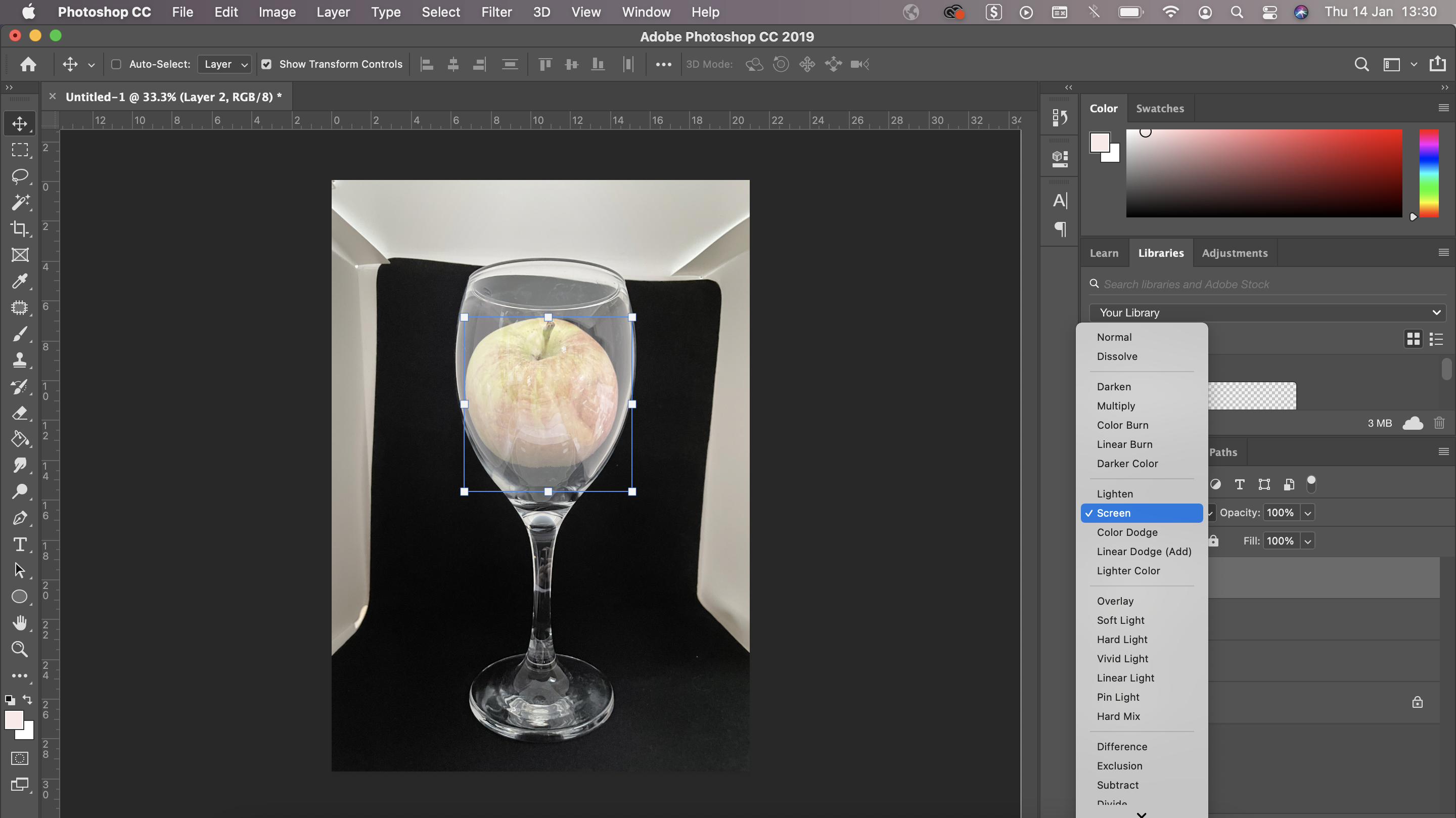
My final step is to just make some final adjustments to the glass and the apple, such as a slight opacity change and a small shadow at the bottom of the apple and then I have successfully combined these two images.
Below is the final exported image of my combined apple inside a wine glass.