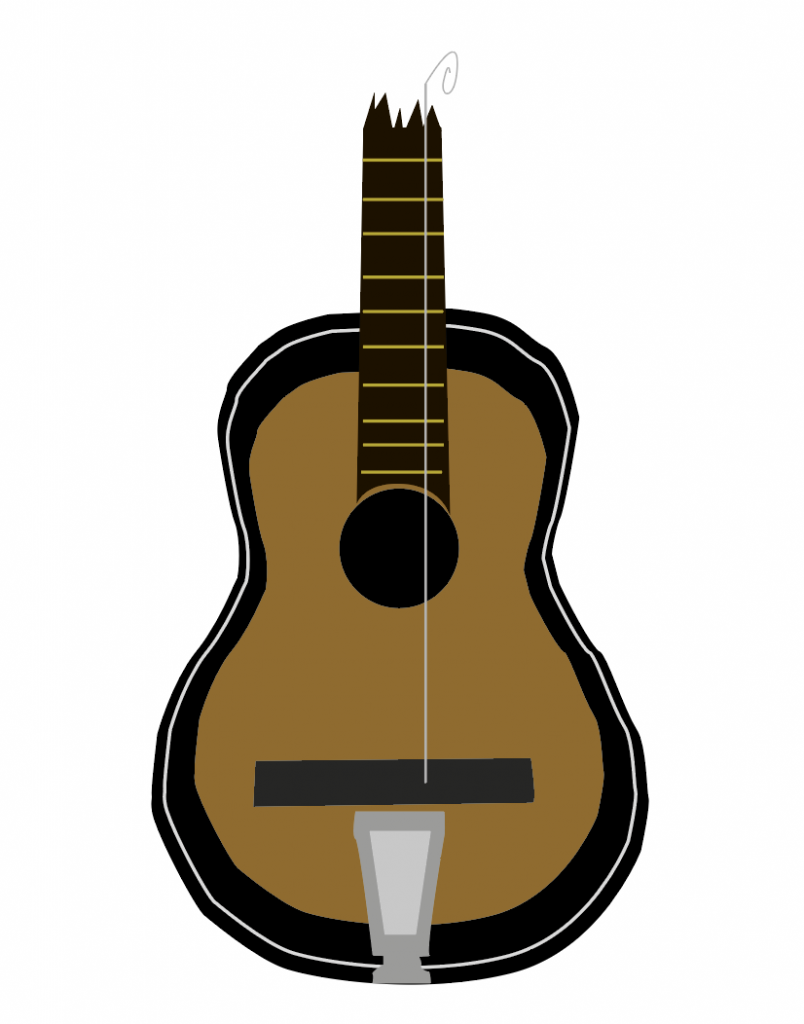
By using the pen tool, shapes and other tools inside of Adobe Illustrator, we are able to create vector drawings of different items, which is what I have done and showcased in this post.
I started by taking my own photograph of a broken guitar and started creating the base of it using the pen tool.
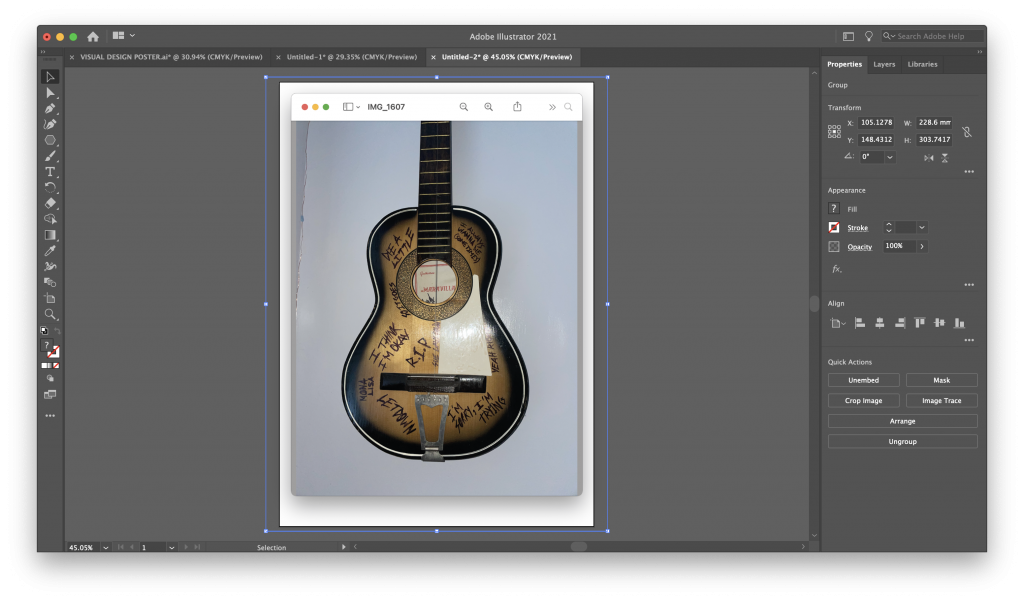
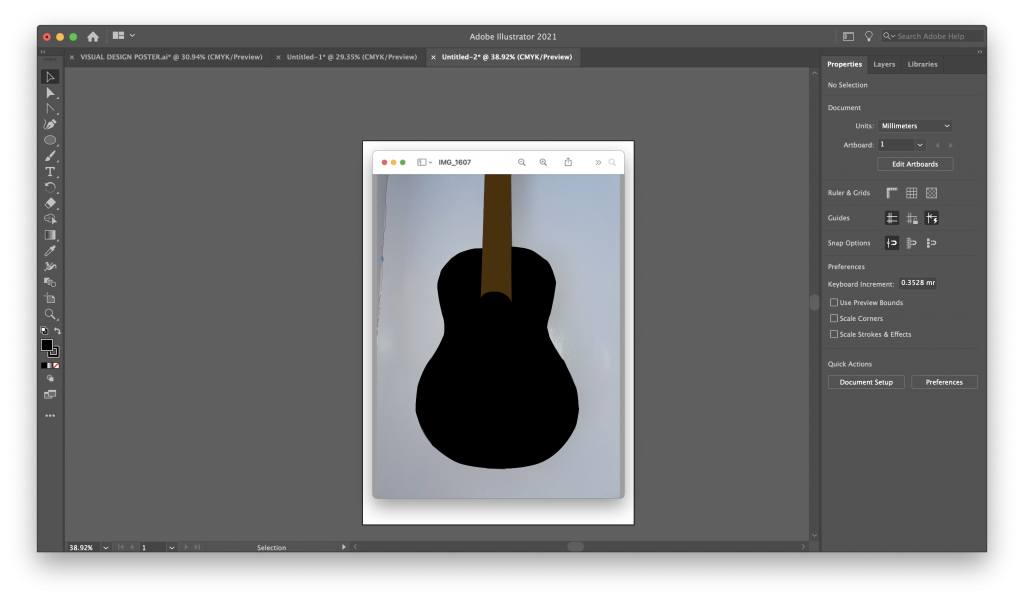
Once the outline is done, I can fill it in using the fill option with my desired colour. This gives me the base to then add the extra features of the guitar on top. I can repeat this process for the neck and string holder. Additionally to this I copied the base twice and add it smaller above the other, but also changing the colour of one of them and the other just being a simple white outline.
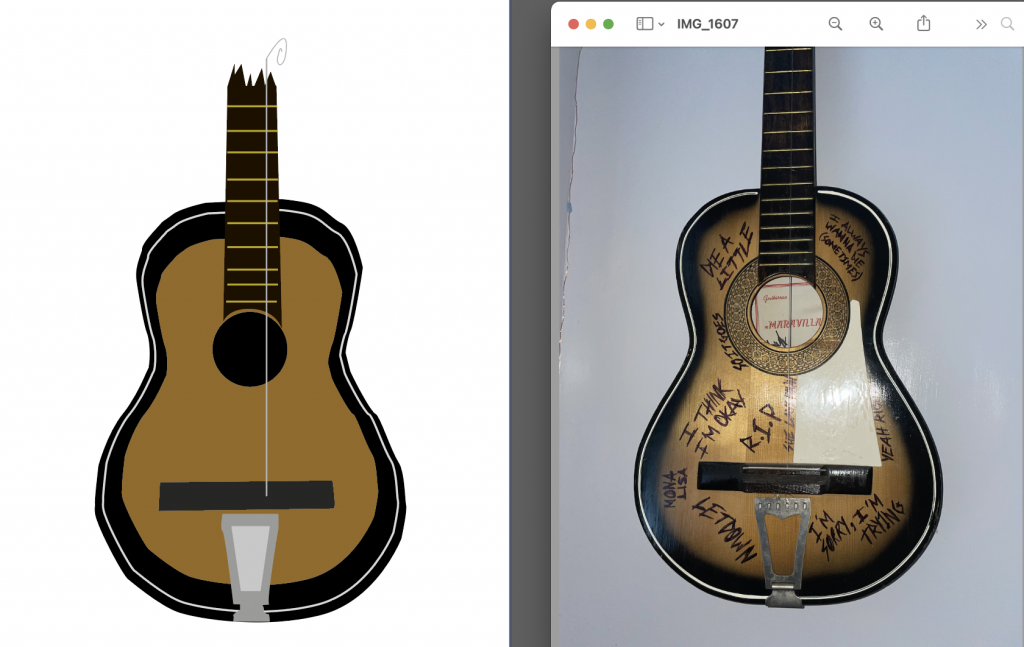
To finish the drawing, I added gold bars to the neck to complete it and added a singular string to the body of the guitar. At the top of the string, I used the pen tool to make it curly and look broken compared to how strings should be. Below is the final piece, compared to the original reference image I took.
Thoughts behind the choice
I chose a guitar because my subject is based on music and specifically pop punk, where its common to see band smash up guitars, which is why I chose to draw a damaged acoustic guitar. The guitar in reference doesn’t feature a broken neck like my drawing, however in my poster later on in the project, I intend to incorporate a broken guitar neck in a conceptual way. I could possibly even taken this drawing and experiment with including this in the poster to represent something other than a guitar.