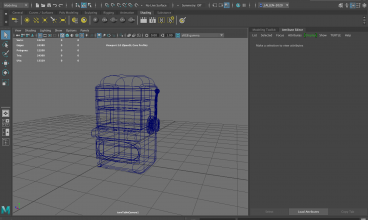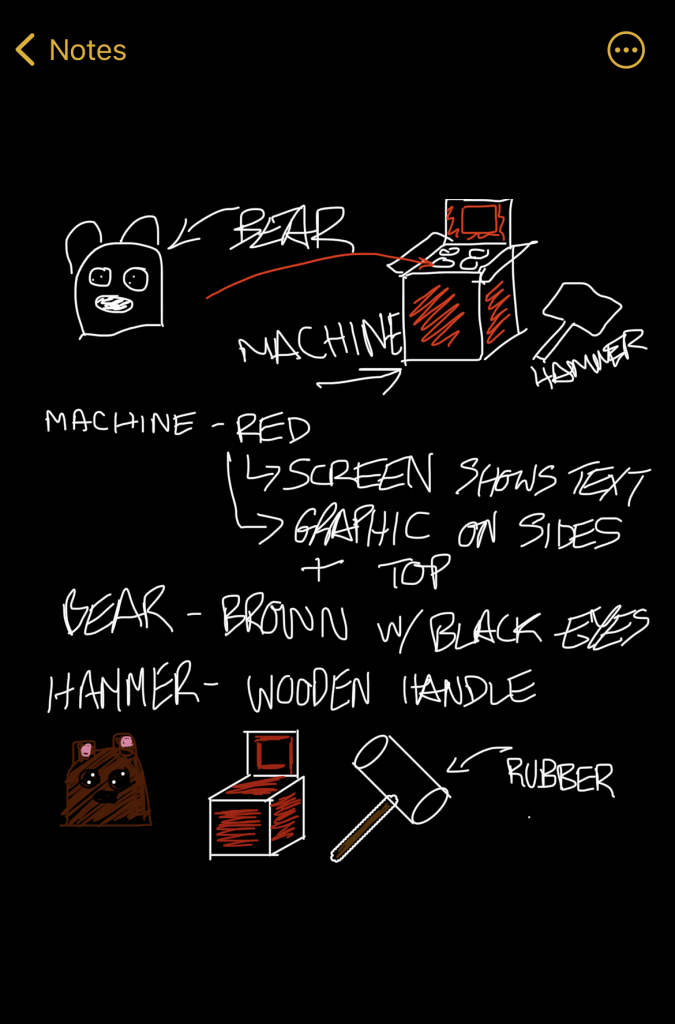
While researching the different assets, for some I would go on to the notes app on my phone and sketch a few drawings to help with my idea. As you can see in the above image, I sketched out the rough outline of how I wanted my asset to look as well as the add ons needed. I also tried to briefly state the colours and design I wanted to include on the machine.
I found this was helpful as it meant I wasn’t thinking of everything off the top of my head, instead I had something to refer to and alter with ease. It also let me see a visual image of what I wanted to create, rather than referring to text. This would be useful for clients if this were a commissioned project, so I believe its good to get into the habit of doing this.
In addition to this, I sketched out my initial ideas for some of my other assets, such as the dance machine and the space fighter game.
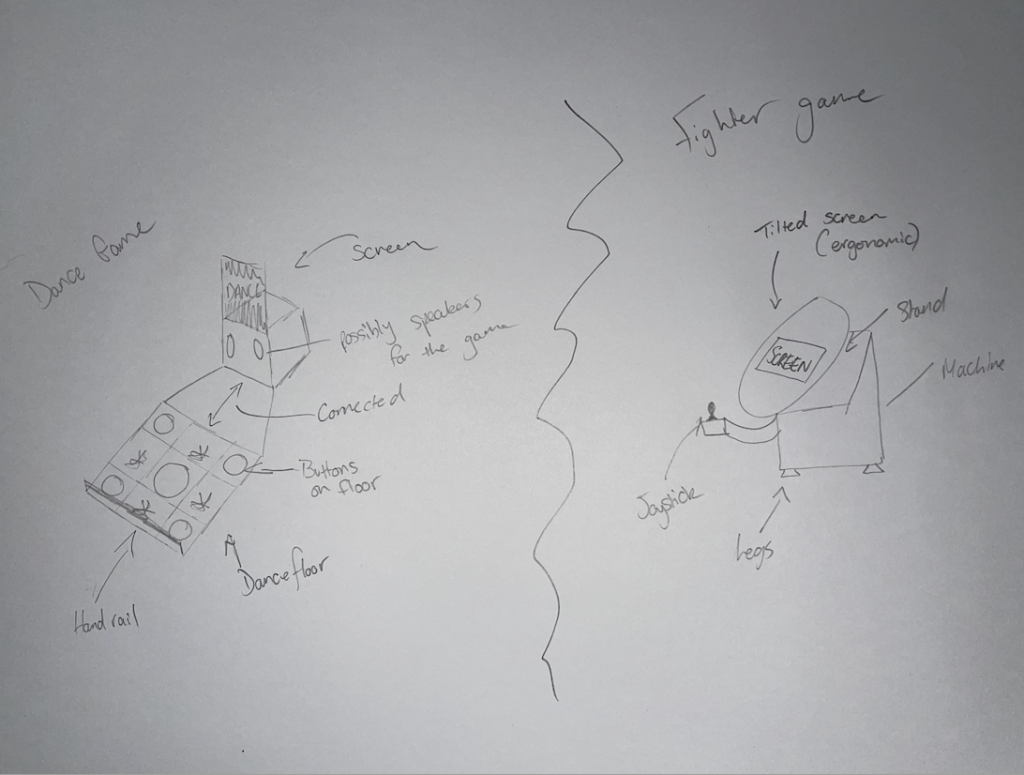
The space fighter game was my own idea so I didn’t have an image to refer to, instead I sketched my first idea which ended up being very close to the final product. I wanted to have a tilted screen which would be more ergonomic for the user in comparison to a flat screen. I also intended on having at least a joystick which would move the spaceship in the game but I added a button in the final product for added features such as shooting.
The dance machine I designed was similar to most existing machines since due to the nature of the product, it’s hard to make it unique.
/cdn.vox-cdn.com/uploads/chorus_asset/file/9222901/IMG_1513.jpg)
One thing I did see that was common was a lot of the machines (like the one above) were two player machines, which in the end my product was designed and finalised as a single player product. This is something I possibly would change in the future but can also add some uniqueness to my asset the fact it is intended for one.
I followed this design process for most of my assets in order to make sure they were accurate but also would be functional if transformed into a physical product.